
Hernando County Arrest Log Source
Start at the HCSO Jail Search. Hernando County publishes no page titled a weekly arrest log. The Sheriff's Office roster fills that role in practice. It opens on a "Bookings last 5 days" view. Booking-date controls sit alongside it. Tick Include Released when the question is who was booked into the Hernando County jail, since release on bond does not undo the booking event.
This view answers a different question than current custody. A person can show up as a recent booking yet no longer be housed at the Hernando County Detention Center. Timing matters too. An arrest can occur before staff finish the public row, and HCSO shows a render time while promising no fixed hourly schedule. Treat results as a time-stamped database view, not a full account of every county incident.
Five-Day Hernando Booking View
The five-day label is a display setting. It is not an archive. The roster accepts Booking Date Range From and To, Release Date, and Include Released. Those controls set an exact span. The official HCSO Jail Search roster displays them all, which helps when a weekend crosses months or a booking appears after its incident date.
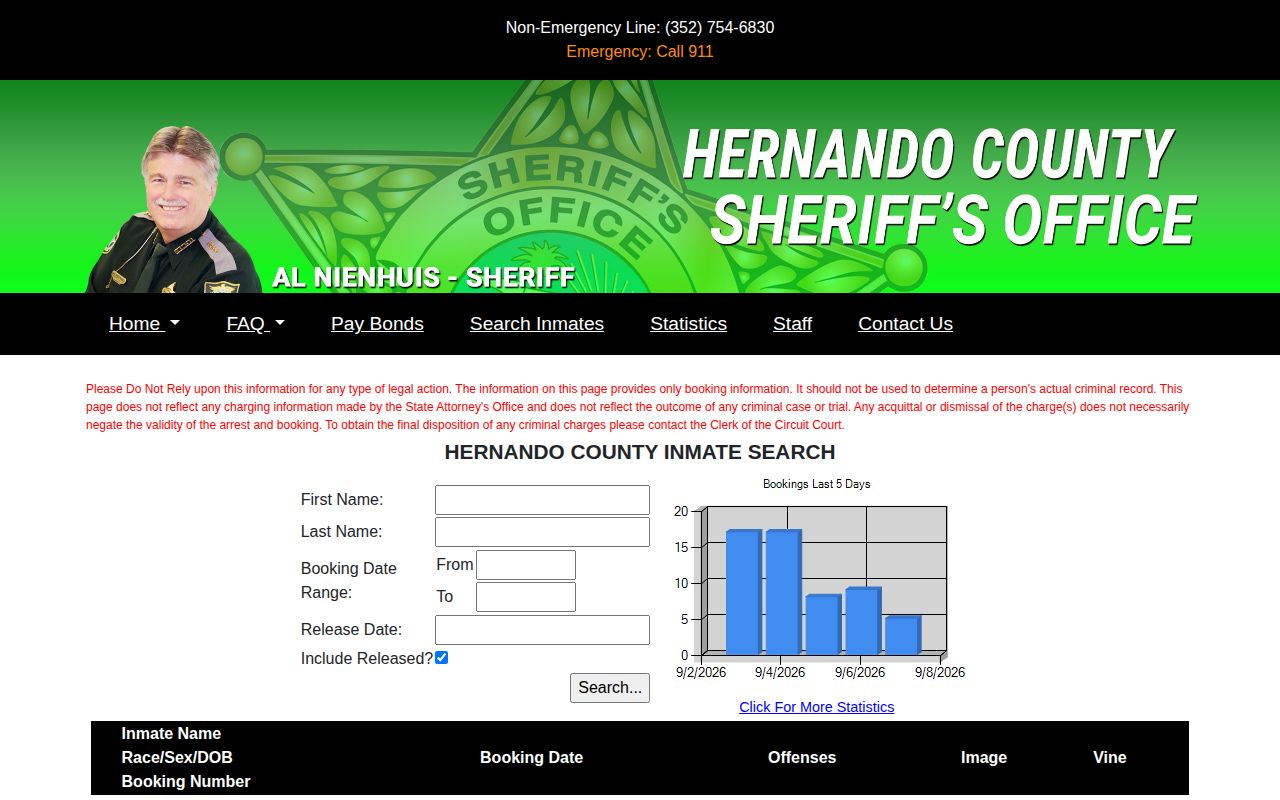
The interface supplies a record-oriented view without presenting booking photos as a gallery.
Read Hernando County Arrest Entries
Start with the date span. Decide whether released bookings belong in your results. Try exact matching first. HCSO itself suggests a last-name-only or alternate-spelling search when an exact spelling misses other forms of a name. Broad searches can drag in similar names, so keep the booking number and date with your notes, since they pin down a Hernando County event better than a name.
- Open Jail Search and set a multi-day booking range.
- Turn on Include Released for all bookings in the span.
- Match the name with the birth and demographic line.
- Note the booking number, date, offenses, and image status.
- Use the Clerk record for the later case disposition.
For a tighter window, see 24 Hour Arrests. Never merge rows just because names match, since one person can carry several charges, reports, or booking events.
Hernando Arrest Log Fields
The short roster row locates a booking. It does not reproduce the full affidavit or booking packet, and each visible official field carries its own use and limit.
| Field | Meaning and caution |
|---|---|
| Name and Race/Sex/DOB | Identity clues; a name match alone is not conclusive. |
| Booking number | The detention-event identifier used for follow-up. |
| Booking date | The intake date, which can differ from arrest time. |
| Offenses | Charges at booking, not findings of guilt. |
| Image | A photo when available; absence does not disprove arrest. |
| Vine | A custody-notification route, not an arrest narrative. |
Several agencies feed bookings into the jail. HCSO's separate arrest query covers HCSO arrests only. Use the jail roster for every booking into county detention, and keep the labels the source shows.
Weekend Hernando Arrest Log Timing
No Hernando County source promises a special weekend or holiday update schedule. A quiet screen proves nothing. Arrests can still be happening. Plenty of steps sit between an incident and a complete public row, including identification, medical checks, affidavit processing, warrant confirmation, bond work, and release paperwork. Some cases never reach the jail at all. A citation can skip booking entirely. Review each calendar date, include released entries, and note when your search ran. If a known arrest is missing, check again after processing, since the cause could be spelling, protected information, agency scope, lag, or an arrest that never led to county booking.
Note: HCSO gives no minute-by-minute refresh promise, so observation time should accompany every multi-day result.
Hernando Arrest News Patterns
News pages add color, not completeness. The Hernando Sun keeps an HCSO-attributed mugshot archive with report numbers, arrest dates, and offense labels. Tampa Bay Beacon posts selected police-beat narratives. The Tampa Bay Beacon police-beat page shows that selective story format in action. Regional outlets cover only what they judge newsworthy. Deadlines and editorial choices leave many routine Hernando County bookings unreported, and copied entries can lag or linger after official status changes.
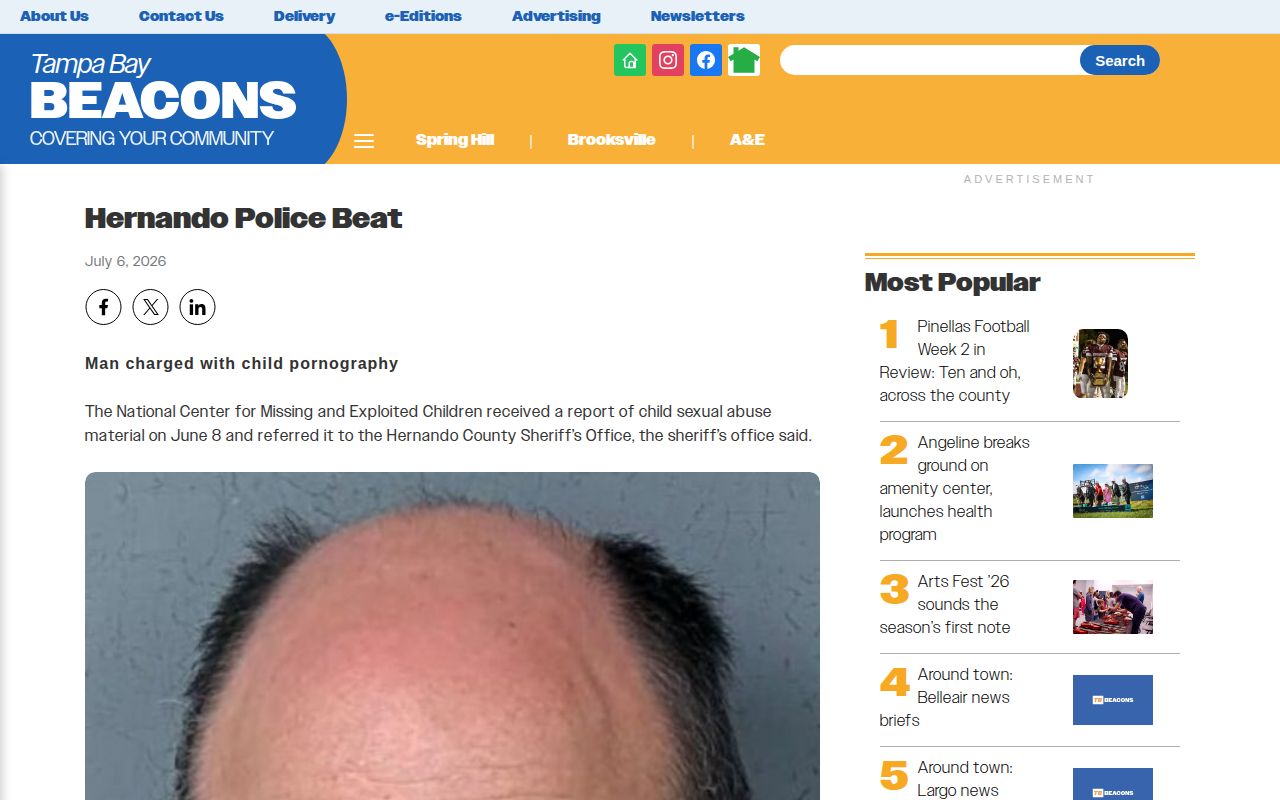
Use a story for context. Then verify the booking with HCSO and the outcome with the Clerk. Unofficial copies also circulate. RecentlyBooked's Hernando section, Mugshots.com, and Mugshots Zone publish county copies that may hold stale pages, duplicates, partial charges, or vague location labels. Official sources come first.
Hernando Enforcement Log Context
HCSO press releases and Community Alert Bulletins add official context. Releases are grouped by posted date and subject. They describe selected arrests, investigations, operations, and later sentencing news, while alerts may carry case details, locations, descriptions, and tip instructions. Neither channel lists every person booked. The official press-release index holds the narratives.
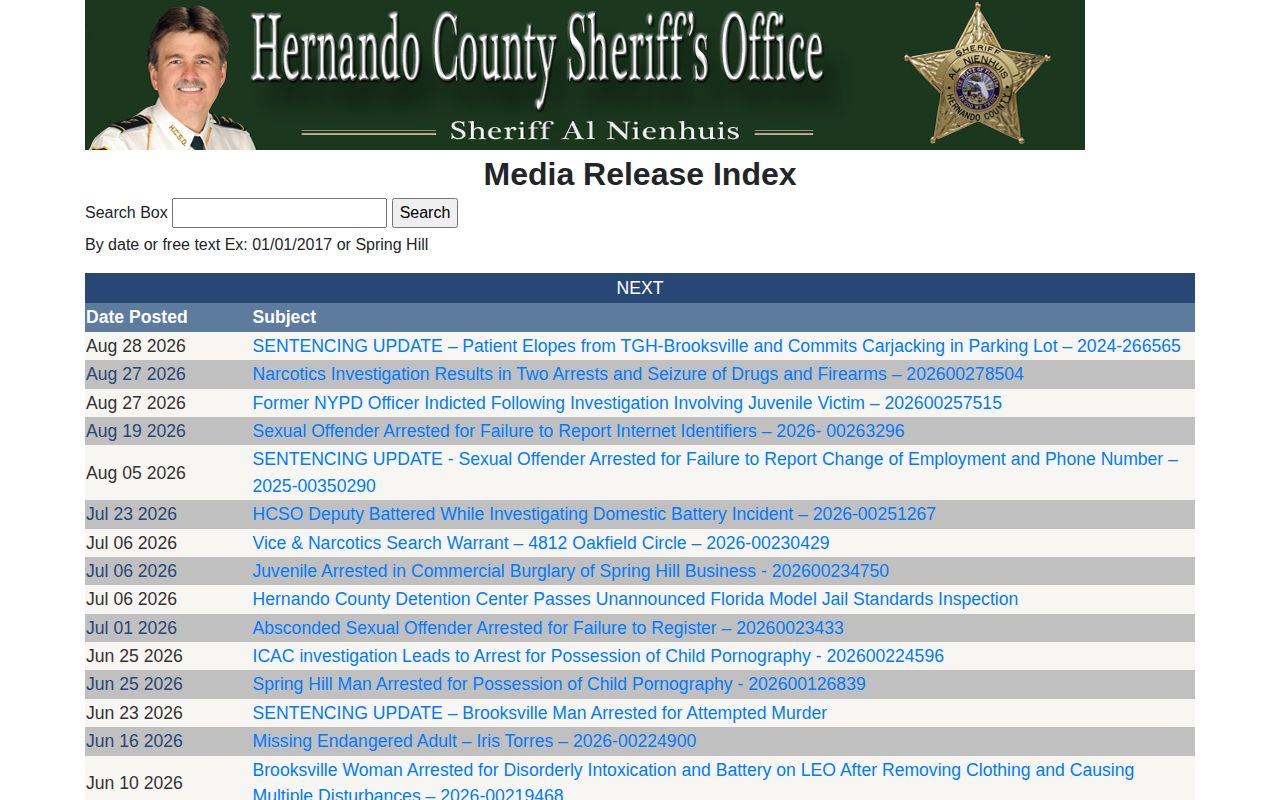
The searchable index can explain a notable booking. It cannot replace Jail Search. Preserve terms such as alleged and charged when quoting a release, since an affidavit states only the agency's asserted basis for an arrest. The Hernando County Clerk docket is the downstream record for filed counts, dismissal, plea, trial, or judgment.
Older Hernando Arrest Log Records
Older arrests do not vanish the moment they drop off the five-day display. A custom date range can still pull up an older Hernando County booking. Turn on Include Released first. The HCSO arrest query defaults to the past year when dates are blank. It covers only arrests made by the Sheriff's Office. For anything older, the FAQ sends people to Records. Its October 1, 1995 cutoff limits web access, not the records themselves.
Florida's GS2 retention schedule keeps booking records, commitment and release lists, and incarceration records. That window runs one year after release. Jail docket books are permanent. Shorter online windows simply reflect web display choices. A permanent docket is no promise of a permanent booking photo. Give HCSO Records the name and a date span. Add a number if known, plus the exact record type. Then ask whether the item is held. Ask if it was disposed of under schedule, exempt, sealed, or sitting with another custodian.
The Clerk handles court outcomes. State Archives research stays conditional, since routine HCSO booking photographs do not transfer there. Keep county jail, court, state prison, and federal records distinct.
Requesting Hernando Booking Records
The public log cannot answer every question. When that happens, HCSO Records takes requests online, by phone, or in person. The office sits at 18900 Cortez Boulevard in Brooksville. The number is (352) 797-3635. Phone and walk-in service runs Monday through Friday, 9:00 a.m. to 5:00 p.m. Requests are worked in order. HCSO warns that extensive ones can take 30 days or longer. Fees can grow beyond the first half-hour of staff time. Some cases carry special information-technology charges.
A focused request moves faster. Include the person's name and the date span. Add a booking or report number if you have one. Name the item you want. That could be a booking record, commitment and release list, arrest affidavit, or booking photograph. An arrest by another agency can lead to a county jail booking. If so, say the request targets the detention booking. It is not the Sheriff's Office-only arrest query. When something cannot be released, ask for the exemption or retention basis. Sealed, expunged, juvenile, victim, and other protected material may be withheld or redacted under Florida law.
Public Record Search
Sponsored Results